
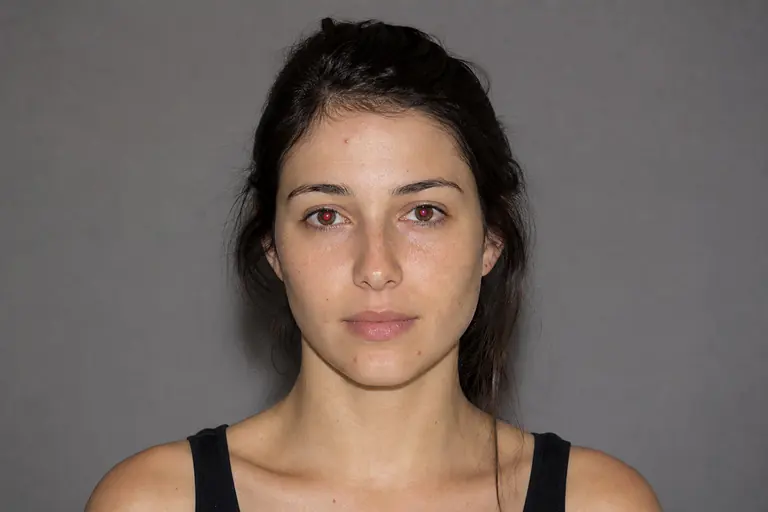
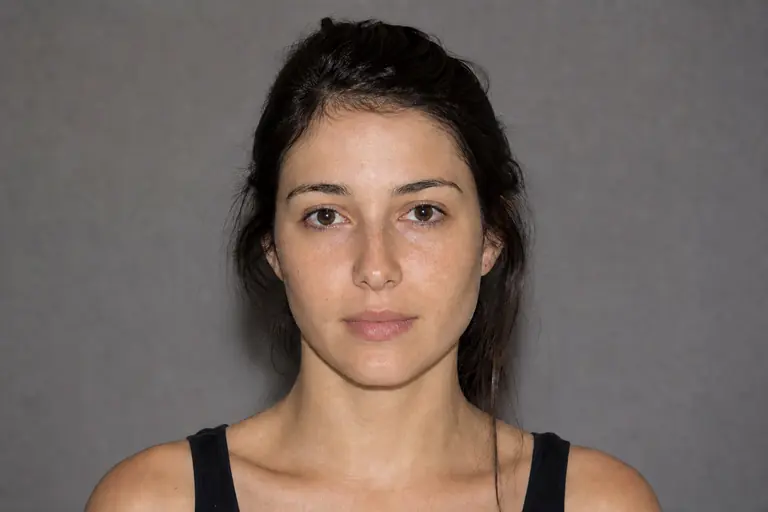
What this tool does
Patch repairs a larger selected area by blending it with texture from another region.
Remove distractions, repair details, reshape tone, and polish portraits non-destructively.
How to use it
- 01
Open an image and choose Patch from the left toolbar.
- 02
Outline the problem area, drag the selection onto a clean source, and inspect the blended boundary.
- 03
Review the result at 100% zoom. If the change is too strong, undo it and repeat with a lower intensity.
What you can make
- Remove larger objects or marks
- Repair folds, walls, and broad textures
- Replace a damaged background section