
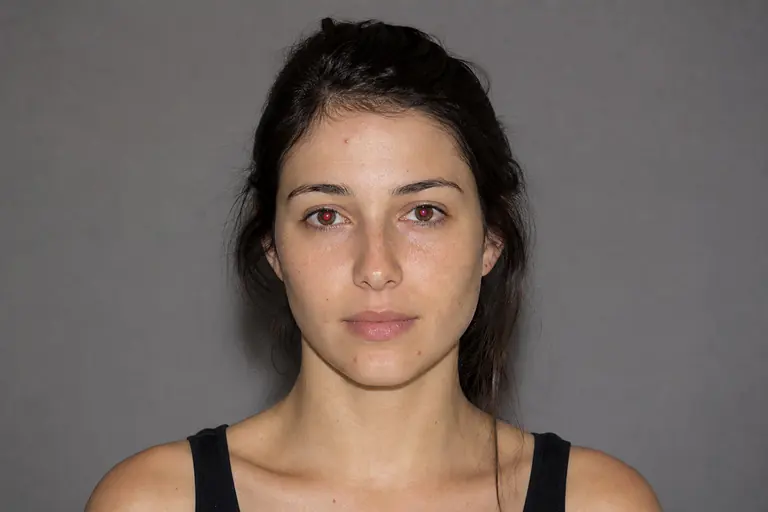
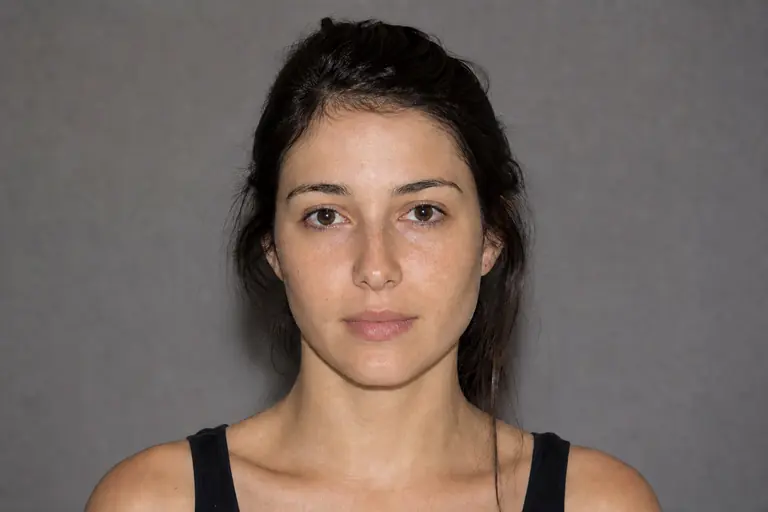
What this tool does
Dodge selectively lightens painted areas to shape highlights and local exposure.
Remove distractions, repair details, reshape tone, and polish portraits non-destructively.
How to use it
- 01
Open an image and choose Dodge from the left toolbar.
- 02
Set a low exposure, paint over the intended highlight, and repeat gently instead of using one strong pass.
- 03
Review the result at 100% zoom. If the change is too strong, undo it and repeat with a lower intensity.
What you can make
- Brighten eyes and facial highlights
- Lift detail from dark local areas
- Sculpt volume with controlled light