
How to Remove an Unwanted Object from a Photo
Remove a small distraction by matching nearby texture, structure, light, and noise with Healing Brush, Patch, and Clone Stamp techniques.
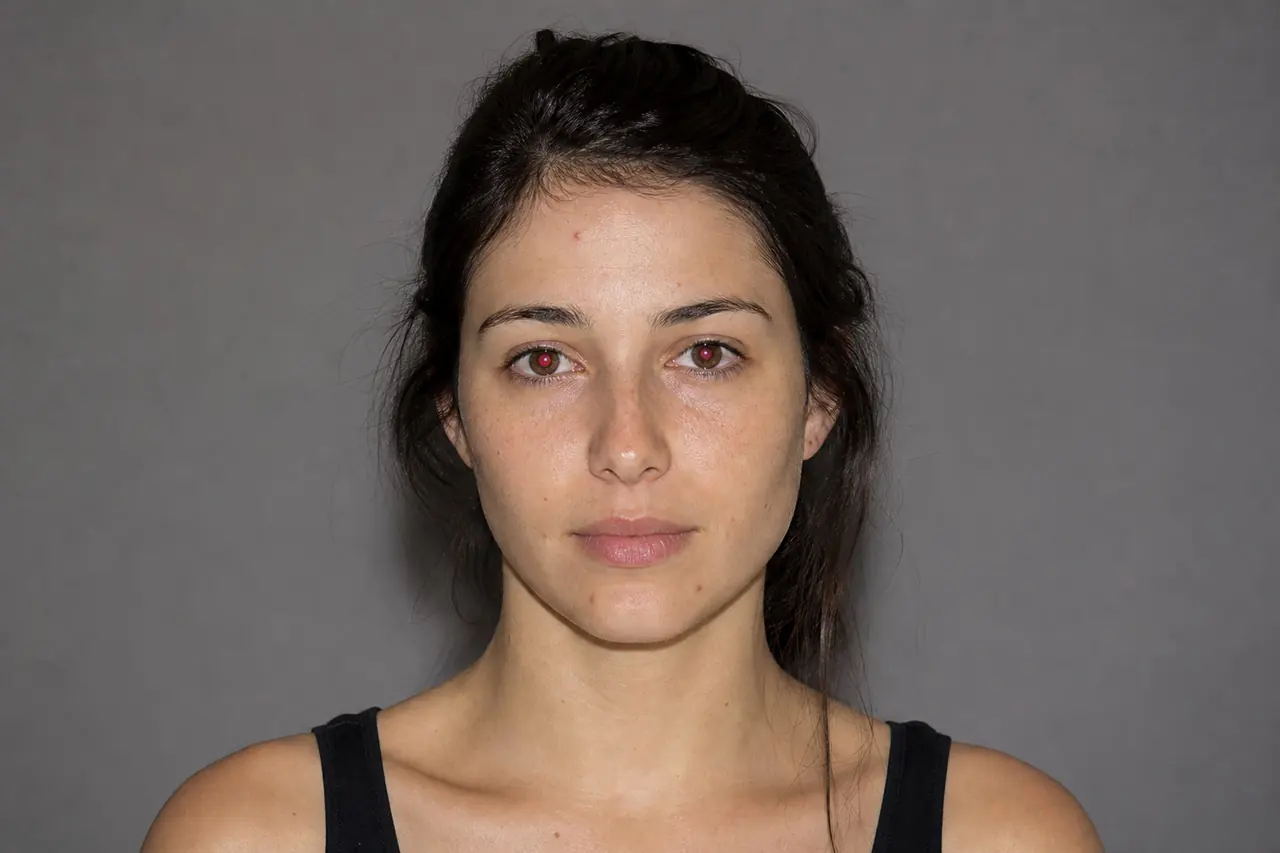

Object removal succeeds when the replacement obeys the visual rules of the surrounding area. Choose the repair tool according to the background, work from broad structure toward fine texture, resample frequently, and inspect for repeated patterns or broken lines.
Recommended workflow
- 01
Study the surrounding structure
Identify lines, gradients, texture direction, depth of field, and light transitions that continue behind the unwanted object. These cues determine where a valid source can come from.
- 02
Choose the repair method
Use Healing Brush for a small isolated mark, Patch for a broader irregular area, and Clone Stamp when an exact edge or texture alignment must be reconstructed.
- 03
Rebuild in small sections
Continue important edges first, then fill adjacent texture with short strokes or several patches. Change the sample point before its pattern becomes recognizable.
- 04
Blend and audit
Compare at 100% for seams and at normal size for tonal patches. Add a tiny amount of matching texture only when the repair looks noticeably smoother than its surroundings.
Selecting the right source area
The nearest pixels are not always the best source. A wall may change brightness across the frame, fabric may follow a fold, and grass may soften with distance. Match both material and spatial position.
When a background has perspective, sample from the same depth whenever possible. Copying a sharp foreground texture into a soft distant area reveals the edit even if the color is correct.
Preserving lines and gradients
Edges such as horizons, table seams, tiles, and building contours are highly sensitive to interruptions. Clone or align these structures before using a blending tool over the surrounding texture.
Smooth gradients can expose a repair as a darker, lighter, or differently colored cloud. Use broad tonal continuity as the reference and keep the final texture subtle enough not to create a new focal point.
Common mistakes
- Using one large healing stroke across several different textures.
- Cloning the same source repeatedly until a pattern becomes visible.
- Filling texture before reconstructing a line that passes behind the object.
Questions and answers
Which tool is best for removing a small spot?
Healing Brush is usually fastest for a small isolated defect because it blends sampled texture into the local tone and light.
When should I use Clone Stamp instead of Healing Brush?
Use Clone Stamp when exact pixels, a hard edge, or a repeating structure must align. Healing can blur or bend those features.
Can a large foreground object always be removed convincingly?
No. If it hides unique detail with no comparable source, reconstruction becomes interpretive. Crop the frame or use a generative workflow when manual evidence is insufficient.