
Prepare Product Photos for an Online Store
Create a consistent product-image set with clean cutouts, repeatable framing, controlled shadows, matching dimensions, and efficient delivery formats.

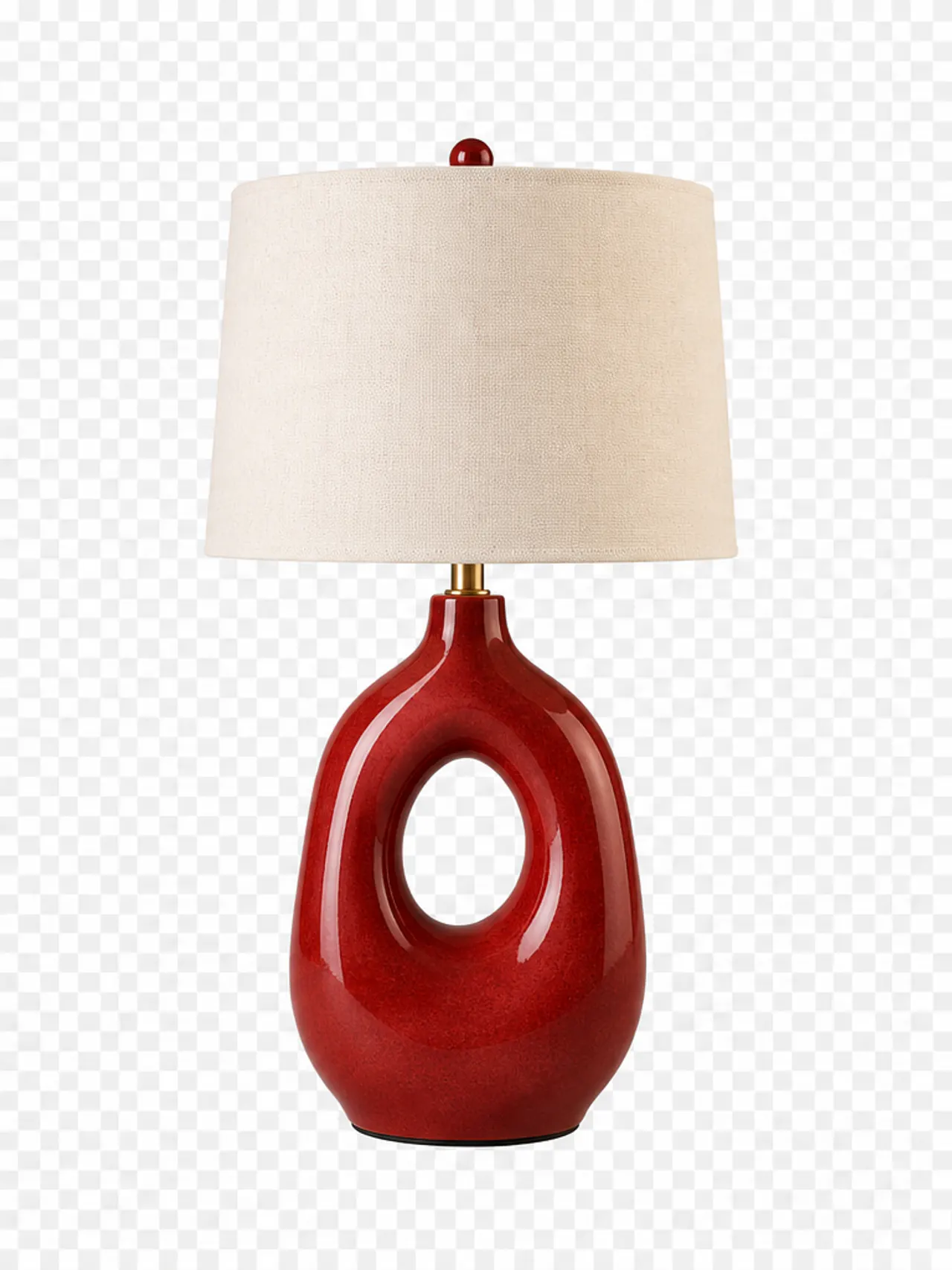
A store catalogue looks trustworthy when every product follows the same visual system. Define the canvas, subject scale, background, shadow, and export rules once; edit the strongest hero image carefully; then apply only the truly repeatable operations to the rest of the set.
Recommended workflow
- 01
Set the catalogue standard
Choose the final aspect ratio, pixel dimensions, background color, minimum margins, naming pattern, and delivery format before editing the first product.
- 02
Cut out and clean the product
Select the object, refine its mask, remove dust or temporary marks, and preserve real openings, transparent materials, and defining surface texture.
- 03
Match scale and position
Use Free Transform to fit the product inside the shared margin system without changing its proportions. Align comparable products to a consistent visual baseline.
- 04
Export and validate the set
Export the approved hero, then resize or convert the remaining approved images in Batch. Review the resulting grid together to catch scale, color, or naming inconsistencies.
Consistency is a system, not a filter
Customers compare products side by side. When one item is much larger, lower, warmer, or more heavily shadowed than another, the difference can imply a feature that does not exist and makes the catalogue harder to scan.
A template establishes repeatable geometry: canvas, safe area, baseline, and optional shadow zone. It should guide placement without forcing products of genuinely different shapes into identical apparent dimensions.
Choosing a delivery format
JPG is dependable for opaque photographic product images, while WebP often reduces website transfer. PNG is appropriate for assets that must retain transparency or very crisp graphic edges.
Keep a layered master regardless of delivery format. Marketplace derivatives are replaceable outputs; the approved mask, cleanup, and positioning should remain editable when specifications change.
Common mistakes
- Stretching products to fill a standard box instead of scaling proportionally.
- Removing every natural contact shadow and making the object float.
- Batch-processing unreviewed cutouts with inconsistent edges.
Questions and answers
Should every product occupy exactly the same percentage of the canvas?
Use consistent margins and visual scale, but allow genuinely different shapes to breathe rather than forcing identical bounding-box coverage.
Should product backgrounds be transparent or white?
Follow the destination requirement. Keep an editable transparent master so white or branded backgrounds can be produced without repeating the cutout.
What can safely be processed in Batch?
Approved images can share resizing, format conversion, quality, and watermark settings. Selection, masking, and detailed cleanup still need individual review.