
What this tool does
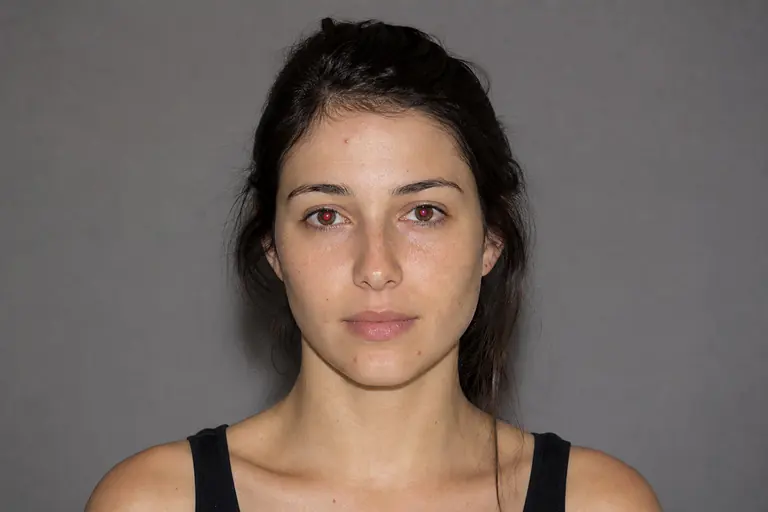
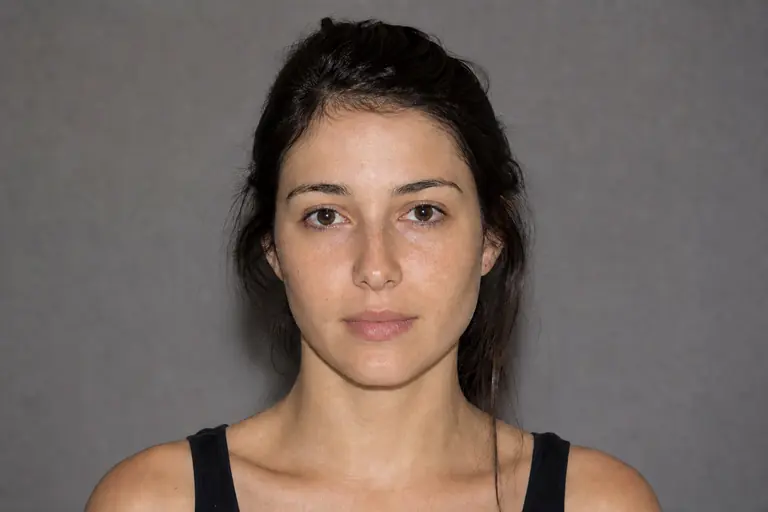
O patch repara uma área selecionada maior, misturando-a com a textura de outra região.
Remova distrações, repare detalhes, remodele tons e aprimore retratos de maneira não destrutiva.
How to use it
- 01
Open an image and choose Patch from the left toolbar.
- 02
Contorne a área do problema, arraste a seleção para uma fonte limpa e inspecione o limite combinado.
- 03
Review the result at 100% zoom. If the change is too strong, undo it and repeat with a lower intensity.
What you can make
- Remova objetos ou marcas maiores
- Reparar dobras, paredes e texturas largas
- Substituir um fundo danificado seção